Parts Implemented by Sefa Eren Şahin
Basic operations of there entities which are Players, Teams and Squads can be performed within user interface. All these operations could be reached from related main menu item’s dropdown menu.
Players
Players table is a core table, including player_id, name, birthday and position datas.
Inserting
Players can be added by selecting “Add Player” from dropdown menu.
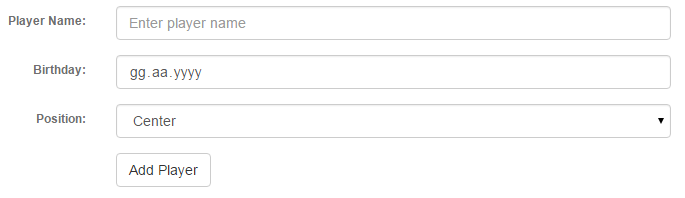
Player addition can be completed by clicking Add Player button after filling and selecting required fields.
All required fields must be filled otherwise there will occur an error message.
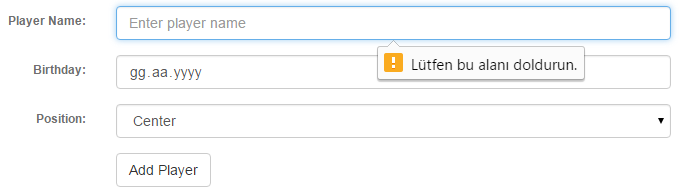
Player addition error message
Listing and Deleting
Players can be listed by selecting “Show Player” from dropdown menu.
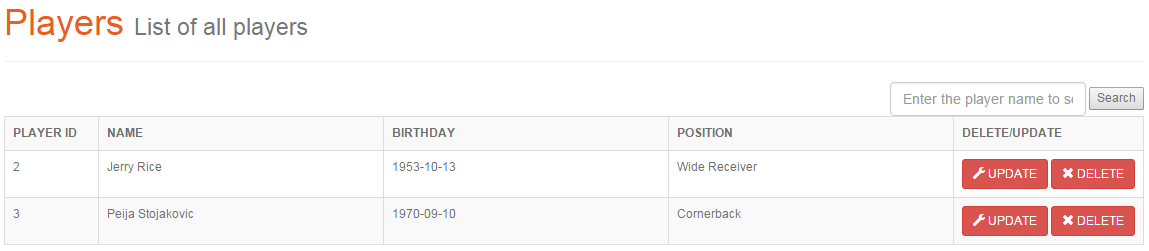
List of players
Players can be deleted by clicking Delete button related with the corresponding row. Clicking Update button redirects user to player update page.
Updating
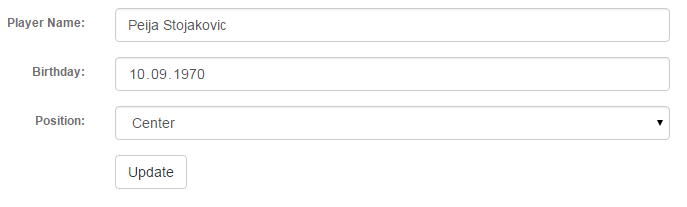
Player data is prefilled into update form.
After making the desired changes, clicking Update button will update the player.
Searching
Users can search players by player name by using the search form in the Players page.

Search results
Teams
Teams table contains team_id, name and league_id references to leagues table.
Inserting
Teams can be added by selecting “Add Team” from dropdown menu.
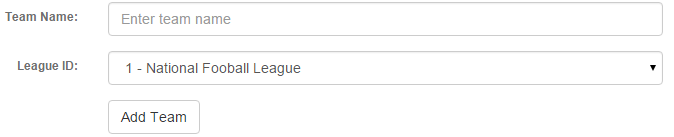
Team addition can be completed by clicking Add Team button after filling and selecting required fields.
All required fields must be filled otherwise there will occur an error message.
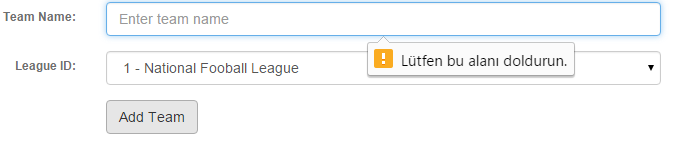
Team addition error message
Listing and Deleting
Teams can be listed by selecting “Show Teams” from dropdown menu.
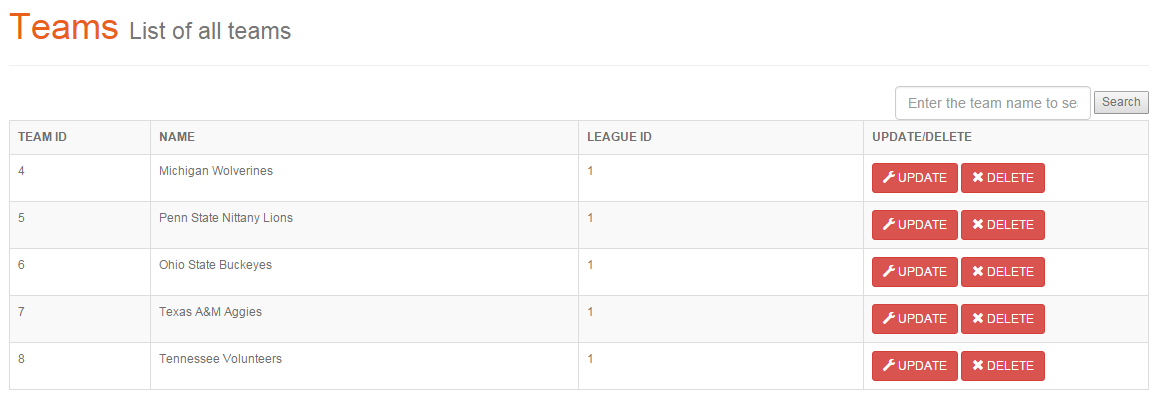
List of teams
Teams can be deleted by clicking Delete button related with the corresponding row. Clicking Update button redirects user to team update page.
Updating
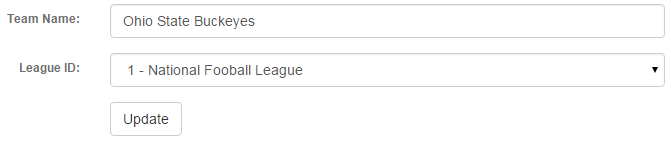
Team data is prefilled into update form.
After making the desired changes, clicking Update button will update the team.
Searching
Users can search teams by team name by using the search form in the Teams page.

Search results
Squads
Squads table contains squad_id, team_id references to Teams table, player_id references to Players table and kit_no.
Inserting
Squads can be added by selecting “Add Squad” from dropdown menu.
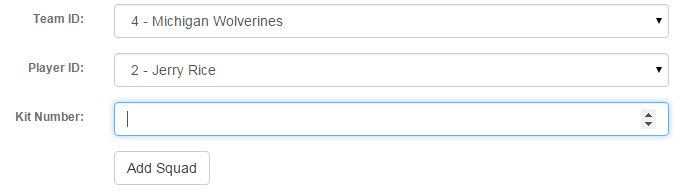
Squad addition can be completed by clicking Add Squad button after filling and selecting required fields.
All required fields must be filled otherwise there will occur an error message.
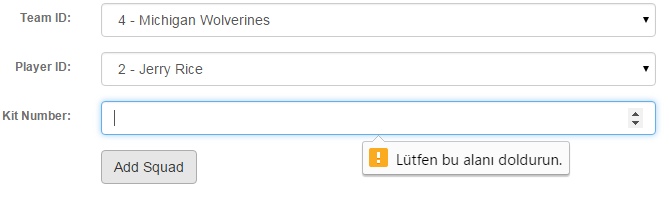
Squad addition error message
Listing and Deleting
Squads can be listed by selecting “Show Squads” from dropdown menu.
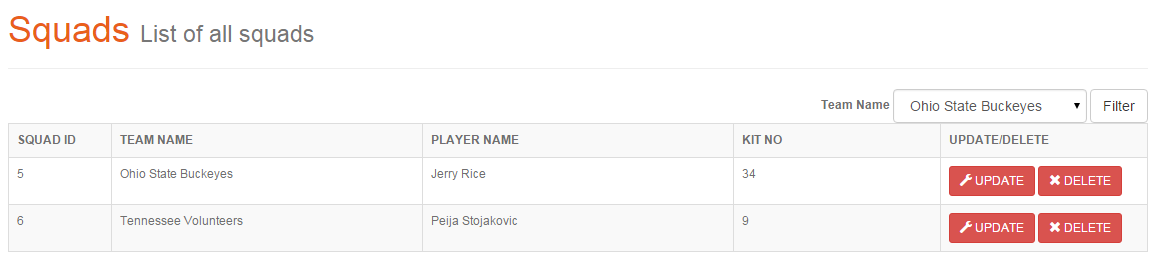
List of squads
Squads can be deleted by clicking Delete button related with the corresponding row. Clicking Update button redirects user to squad update page.
Updating
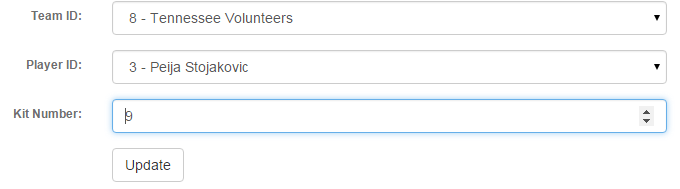
Squad data is prefilled into update form.
After making the desired changes, clicking Update button will update the squad.
Searching
Users can filter squads by team name by selecting the team name from the search form in the Teams page.
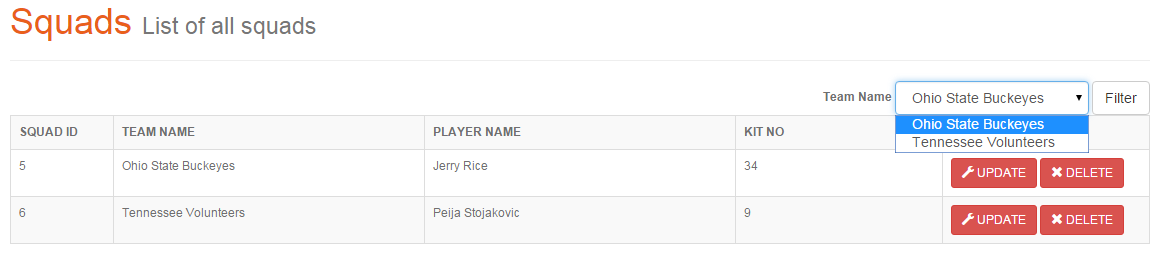
Squad filtering form
After filtering, squads related with selected team are listed.

Search results