Parts Implemented by Kubilay Karpat
Basic operations of there entities which are countries, leagues and stadiums could be performed within user interface. All these operations could be reached from related main menu item’s dropdown menu.
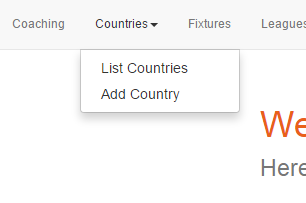
eg. Countries’ functions could be reached from main menu.
In the forms, leaving neccessary fields blank is not allowed so users prevented from making mistakes.
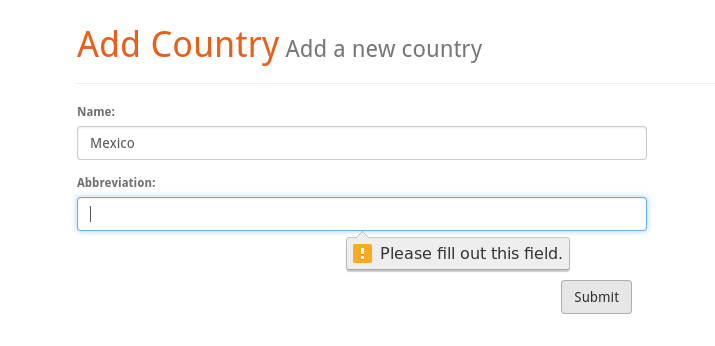
eg. An error message displayed when the users leaves one of the neccessary fieds blank.
Countires
Country entity serves as a core data which only includes the country name and the abbrevation of it.
New countries can be added by selecting ‘Add Country’ from dropdown menu.
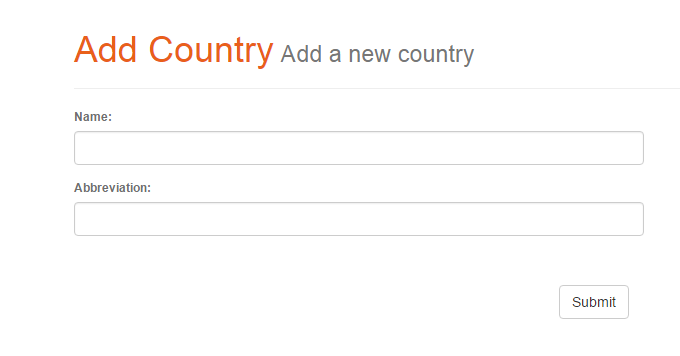
Users can add new countries by filling two neccessary fields.
Another option in dropdown menu opens List Countries page where users can perform many operations related with countries.
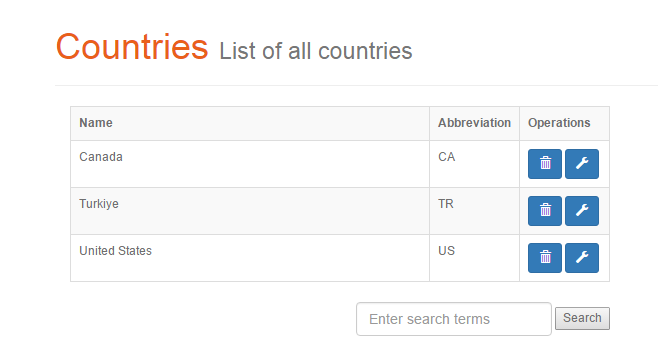
List Countries page where users can list countries and also reach delete, update and search operations.
Users can delete a country with clicking the trash can icon. Also users can update the country with clicking wrench icon next to it. This will led them to update page. In update page users can change the information about the country with using fields which come prefilled with the current data.
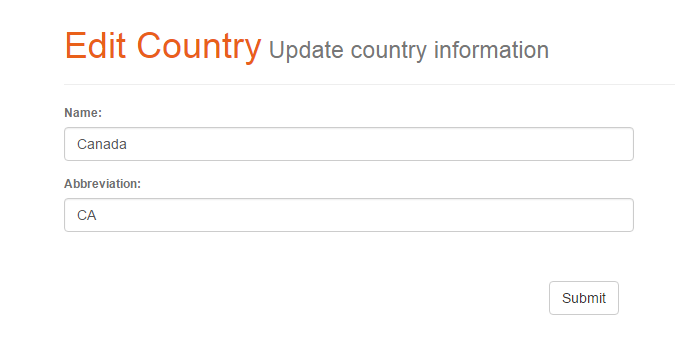
Edit Country page allow users to update information of the countries
Also users may search for countries by using the search field in the Countries List page. This options search for the keyword in the names of Countries.
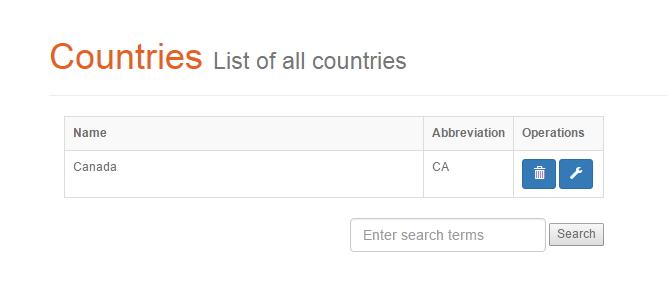
Seaarch result page
Leagues
Leagues are the entities which belogns the countries. They have a league name and a abbrevation also they have to connected with a country.
New leagues can be added by selecting ‘Add League’ option from dropdown menu. In this page there are two form fields and also a dropdown selection. In this dropdown all the countries that recorded at database are shown. User have to chose one of them. By applying this selection, connecting leagues with counties become easir and errorless for users.
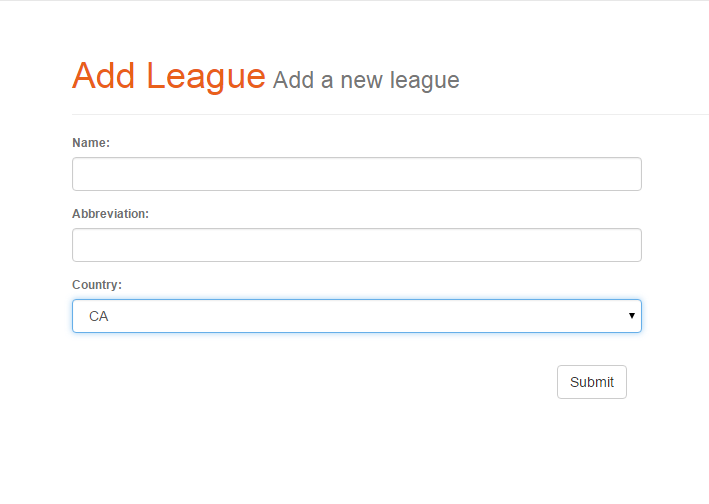
Users can add new leagues by filling two fields (name is required) and selecting a country from dropdown menu.
- User can list leagues like listing countires and maintain basic operations from list page. Delete operation can be done by clicking trash can button.
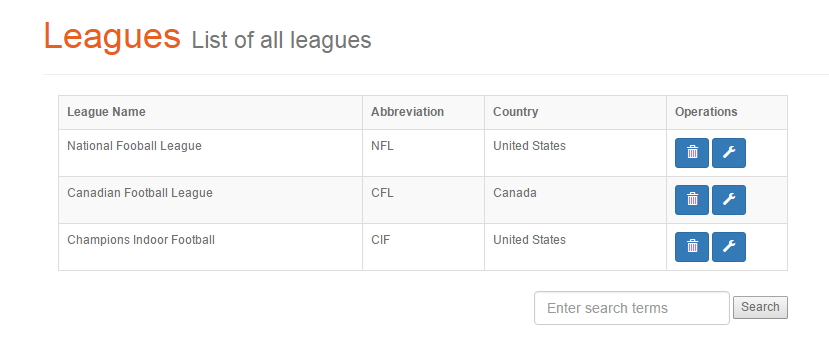
List League page where users can list leagues and also reach delete, update and search operations.
When user clicks the wrench icon update page belonging to that entry will be opened.
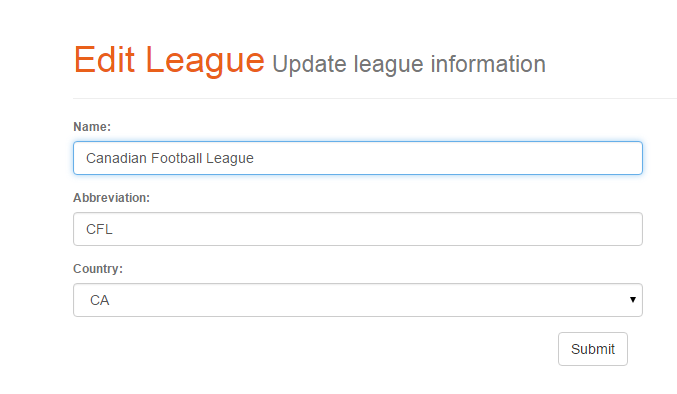
Edit League page allow users to update information of the leagues. The page comes with prefilled data belonging to entry that going to be edited.
- Search function also works in a similar fashion and could done by using the search field in list page.
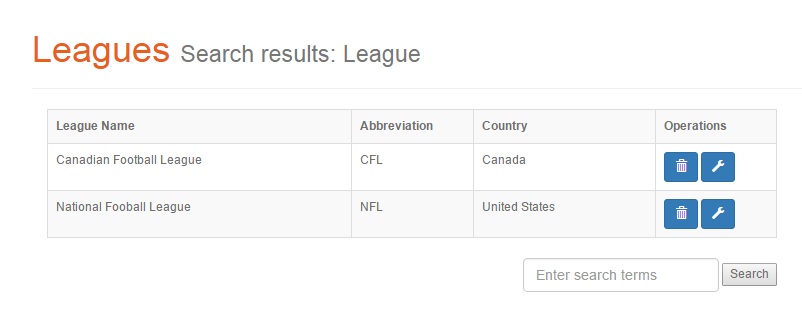
League eaarch result page with the keyword in the header
Stadiums
Stadium is an entity that represents stadiums all around the world and as in the real life it is a part of the matches. A stadium must have a name, a country and a team. Also users can specify the capacity of stadium but it is not neccessary.
Stadiums could be added by givin 3 neccessary and 1 optional information. In these informations team and the country selection made by dropdown menu in order the prevent erros.
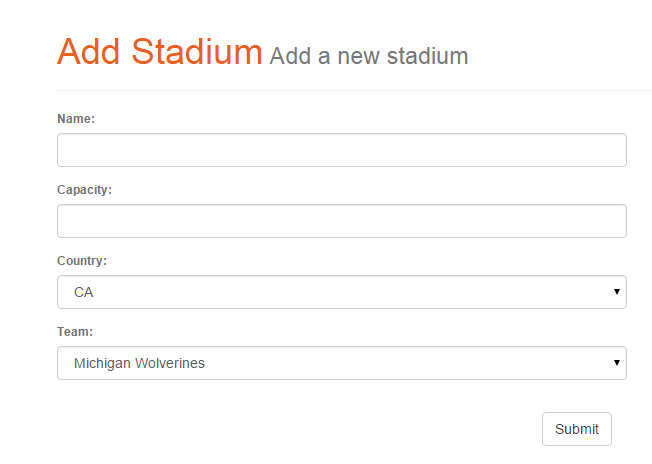
Stadium adding page
Stadiums have also a listing page with basic operations.
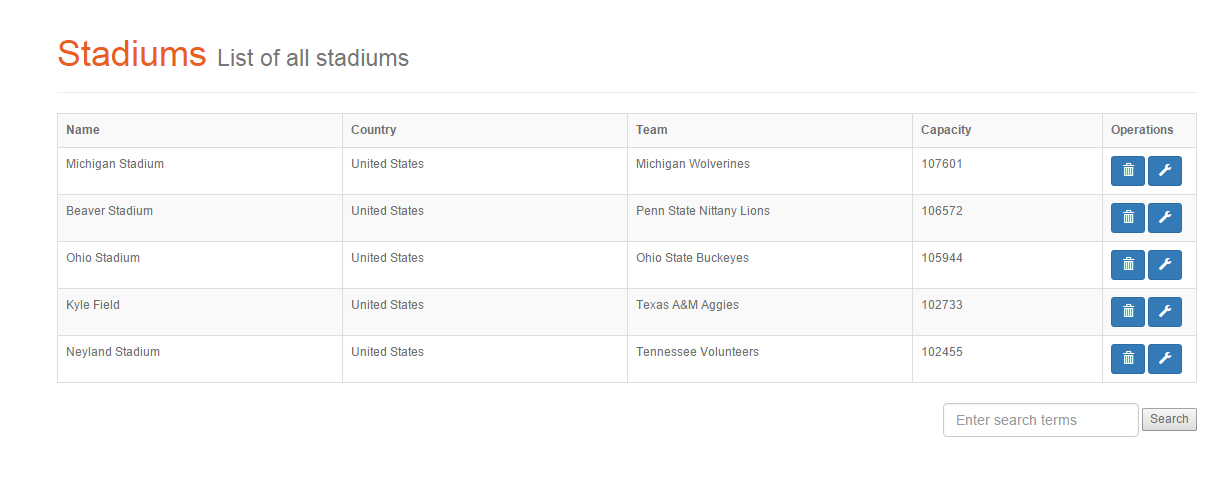
Stadiums listed and the delete / update operation buttond related the entries
Edit page of stadiums is very similar to add page and it is come with the current entriy’s data.
Stadiums have also a listing page with basic operations.
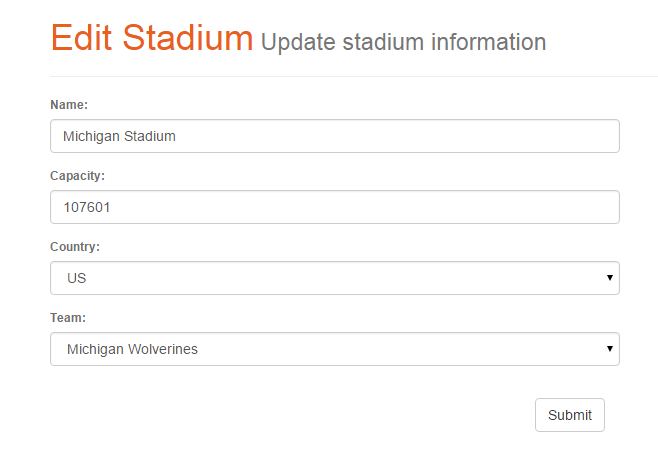
Stadiums edit page
Users can search the stadiums with their names
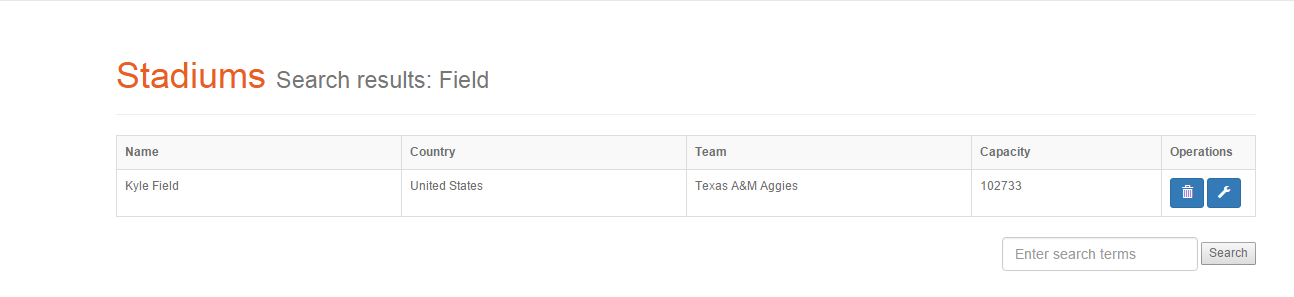
Search results page with the given keyword shown in header