Parts Implemented by İlay Köksal
Add, Search, Update and Delete operations of tables Coaches, Seasons and Coaching can be done within user interface. Table that user wants to see or change can be choosen from navigation bar.

Each operation for Coaches, Coaching and Seasons tables can be done in one single page.
Coaches
Coaches table is one of the core tables of our database. It has Name and BirthYear columns.
New coach can be add from textbox from top of the page.
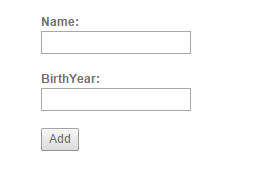
Add operation can be done by filling name and birthday field.
Under the add section, there is a textbox for searching coaches. When search button clicked, table below filled with items that requires search condition.
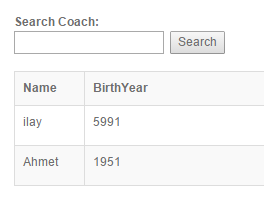
Search operation is a case sensitive operation.
Delete and Update buttons can be seen in table that shows coaches. Every row have Update text boxes to fill when user wants to update related row. Delete button deletes the item in selected row.
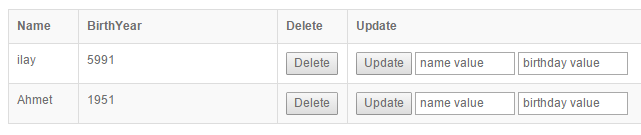
To update an item, every update box must be filled.
Seasons
Seasons table is another core table in our database. It only keeps SeasonYear value for other tables usage. Seasons operations are in one single page as well.
New seasons can be added by filling Season year box that is located at top the page.
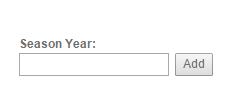
Season add field.
- Below adding field, user can search season by typing season year that he/she wants to find.
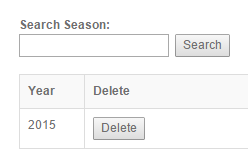
Delete and Update buttons are table elements as well to affect related row. Update text box filled when user wants to update a season.
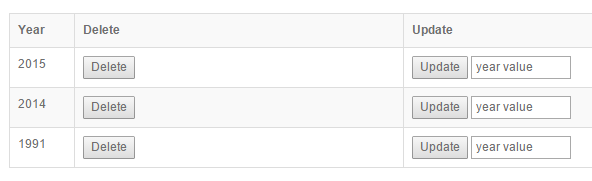
Seasons table rows consists Delete and Update buttons.
Coaching
Coaching table shows when a coach choached a team. So every column in coaching table related another table. Table consists Coach Name, Team Name and Season columns.
To add a coaching relation, user should select the values that he/she wants to add from dropdown lists.
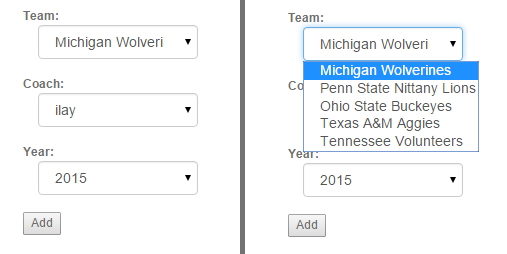
Coaching adding fields
Search field can be used to search both Coach name and Team name.
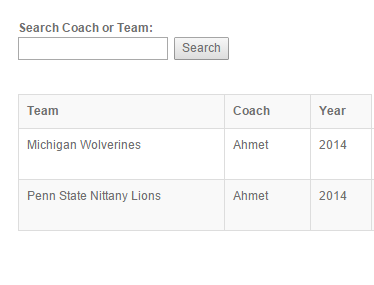
Search field is case sensitive.
Update and Delete operations are located in table rows. To update user should select new values for item from dropdown lists in selected row. Delete button deletes related row from table.
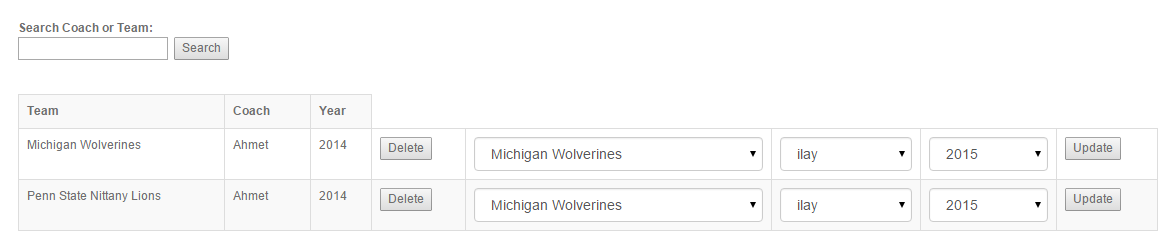
Delete and Update buttons have their own columns.