Parts Implemented by Alparslan Tozan
Basic operations of there entities which are Officials, Matches and Transfers can be performed within user interface. All these operations could be reached from related main menu item’s dropdown menu.
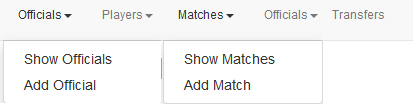
Navbars of Officials, Matches and Transfers
Officials
Officials table is a core table, its only entries are name and age of the official.
Showing Officials
Officials can be listed by selecting “Show Officials” from dropdown menu.
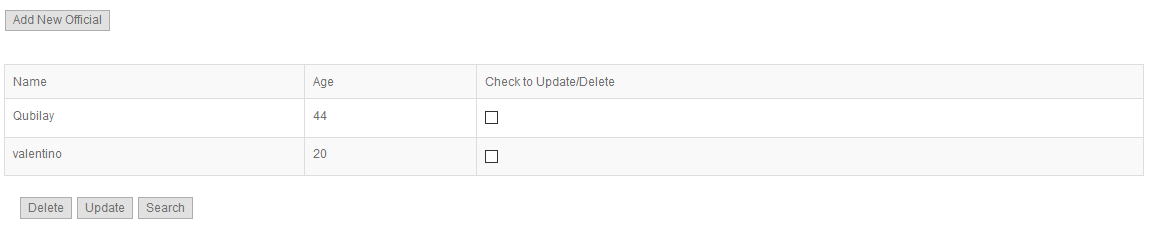
List of officials
Adding Official
Players can be added by selecting “Add Official” from dropdown menu or clicking “Add New Official” button from Show Officials page.
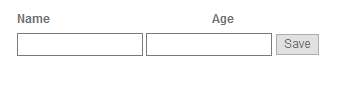
Official addition can be completed by clicking Save button after filling required fields.
All required fields must be filled otherwise there will occur an error message.
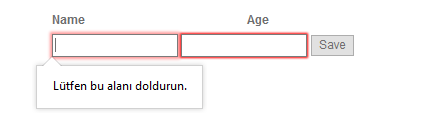
Official addition error message
Updating and Deleting
At the “Show Officials” page after checking one of the check boxes user can select update/delete operations.
List of officials
If delete button is clicked, selected official will be deleted and user will be redirected to “Show Officials” page again. If update operation is selected, user will be redirected to Update page, which looks similar to Add page.
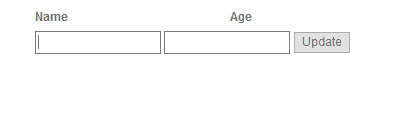
Update page
After making the desired changes, clicking Update button will update the official.
Searching
Users can search officials either by official name or by official age or by both by using the search form in the Players page.

Search Page
Matches
Matches table is an entity that is connected to many other tables. It has connections with tables Teams, Seasons and Officials. Also it has its own feature result.
Showing Matches
Matches can be listed by selecting “Show Matches” from dropdown menu.
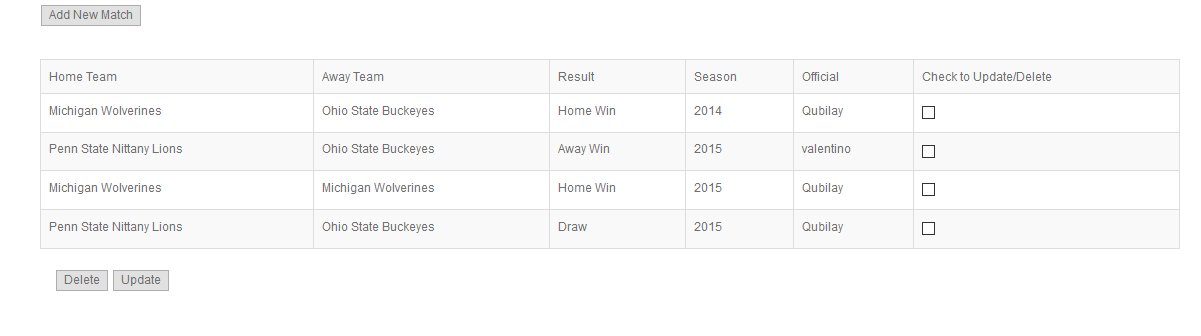
List of Matches
Adding Matches
Matches can be added by selecting “Add Match” from dropdown menu or clicking “Add New Match” button from Show Matches page. As everything is fixed for Matches table its addition only consists of drop-down selections.
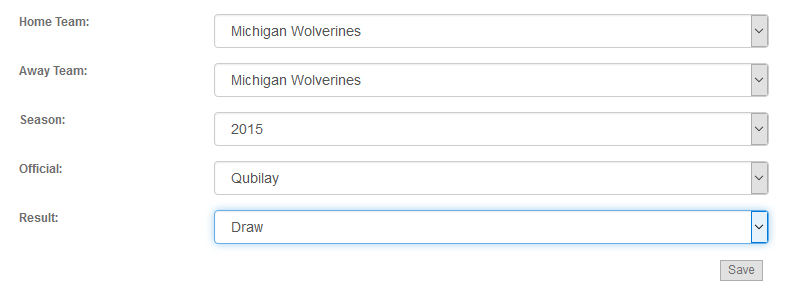
Matches addition can be completed by clicking Save button after selecting required fields.
Updating and Deleting
At the “Show Matches” page after checking one of the check boxes user can select update/delete operations.
List of Matches
If delete button is clicked, selected match will be deleted and user will be redirected to “Show Matches” page again. If update operation is selected, user will be redirected to Update page, which looks similar to Add page.
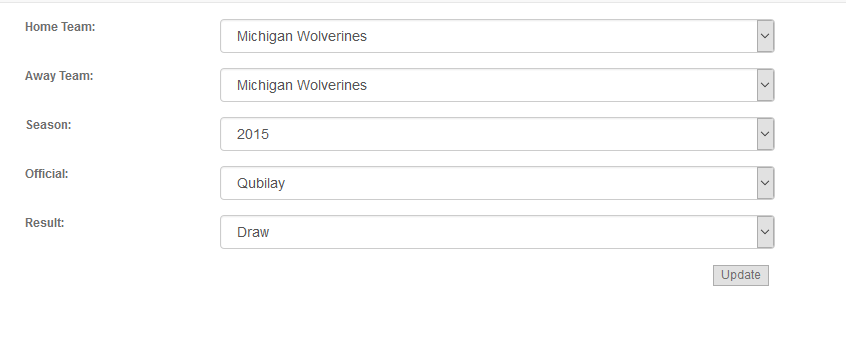
Update page
After making the desired changes, clicking Update button will update the match.
Transfers
Transfers table is an entity that is connected to many other tables. It has connections with tables Teams, Seasons and Players. Also it has its own feature fee.
Showing Transfers
Transfers can be listed by selecting “Transfers” from navigation bar.
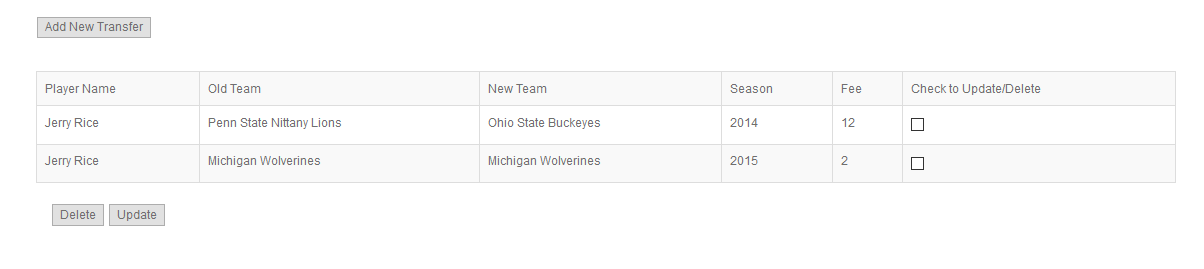
List of Transfers
Adding Matches
Transfers can be added by clicking “Add New Transfer” button from “Transfers” page. As almost everything is fixed for Transfers table its addition only consists of drop-down selections and one integer input for fee.
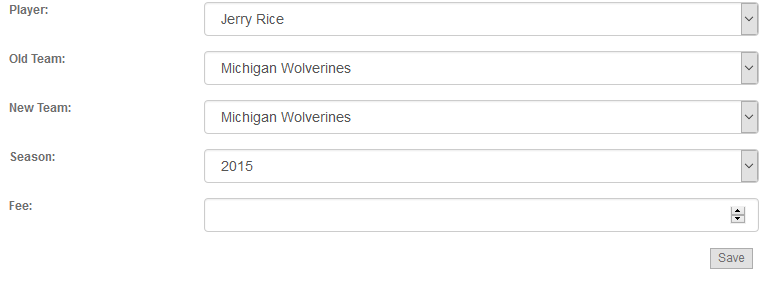
Transfer addition can be completed by clicking Save button after filing and selecting required fields.
If fee field is filled with something different from integer value it will give an error message.
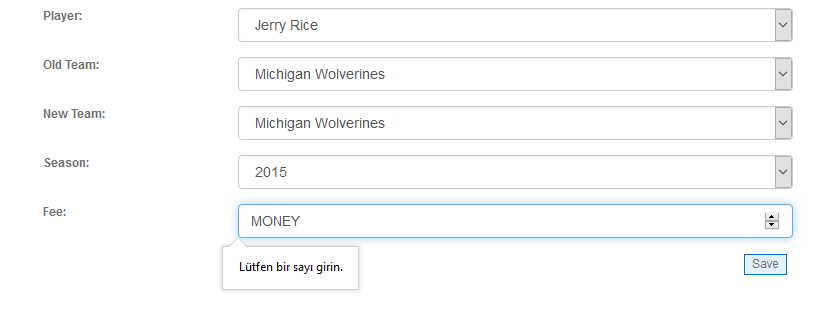
Transfer addition error message
Updating and Deleting
At the “Transfers” page after checking one of the check boxes user can select update/delete operations.
List of Transfers
If delete button is clicked, selected match will be deleted and user will be redirected to “Transfers” page again. If update operation is selected, user will be redirected to Update page, which looks similar to Add page.
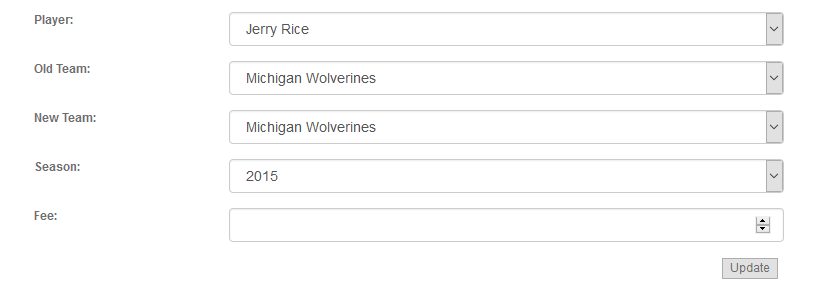
Update page
After making the desired changes, clicking Update button will update the match.